
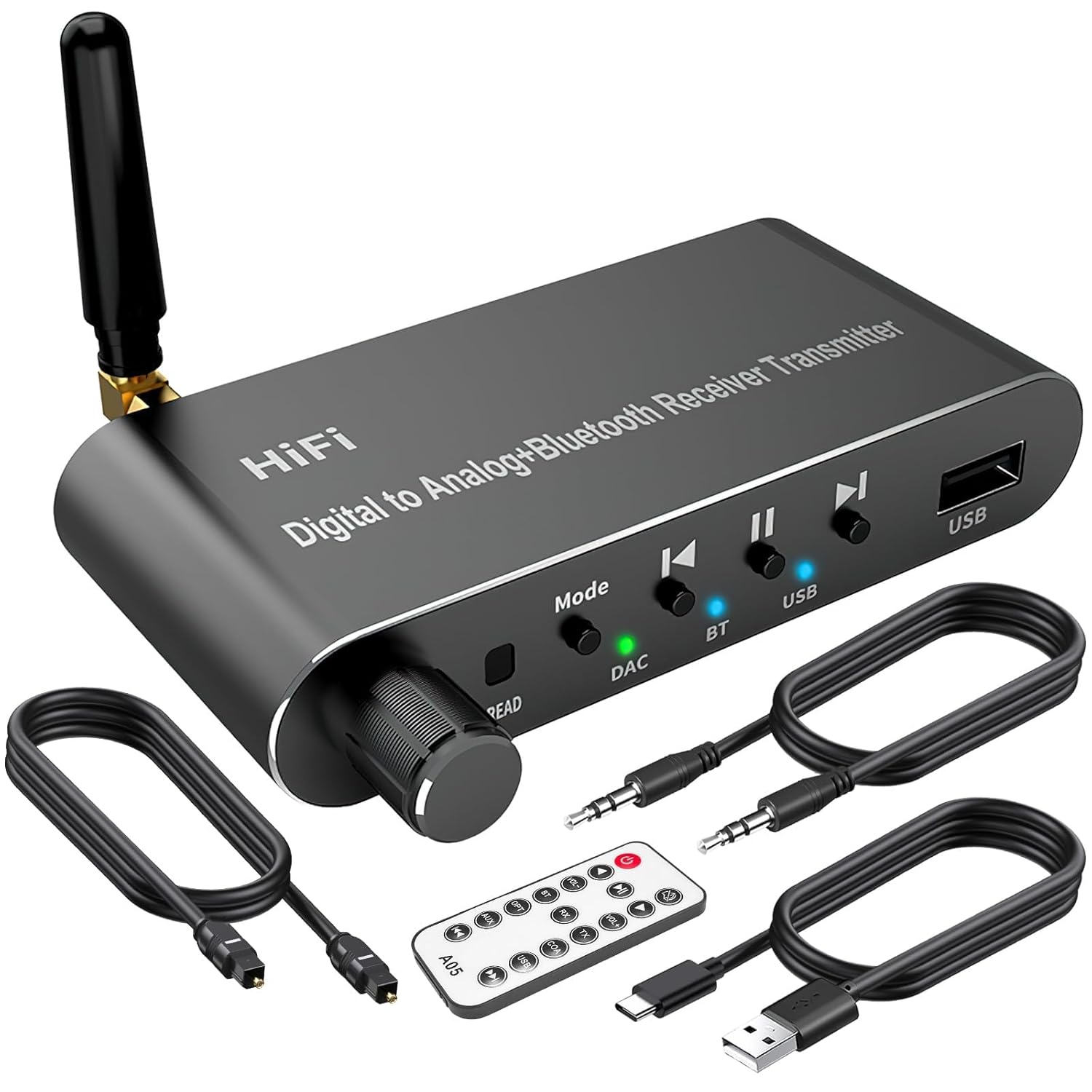
 Digital to Analog Audio Converter with Bluetooth 5.1 Receiver,Digital Optical to 3.5 mm DAC Wireless Adaptor,Coax to Analog RCA 3.5 mm for TV, Gaming
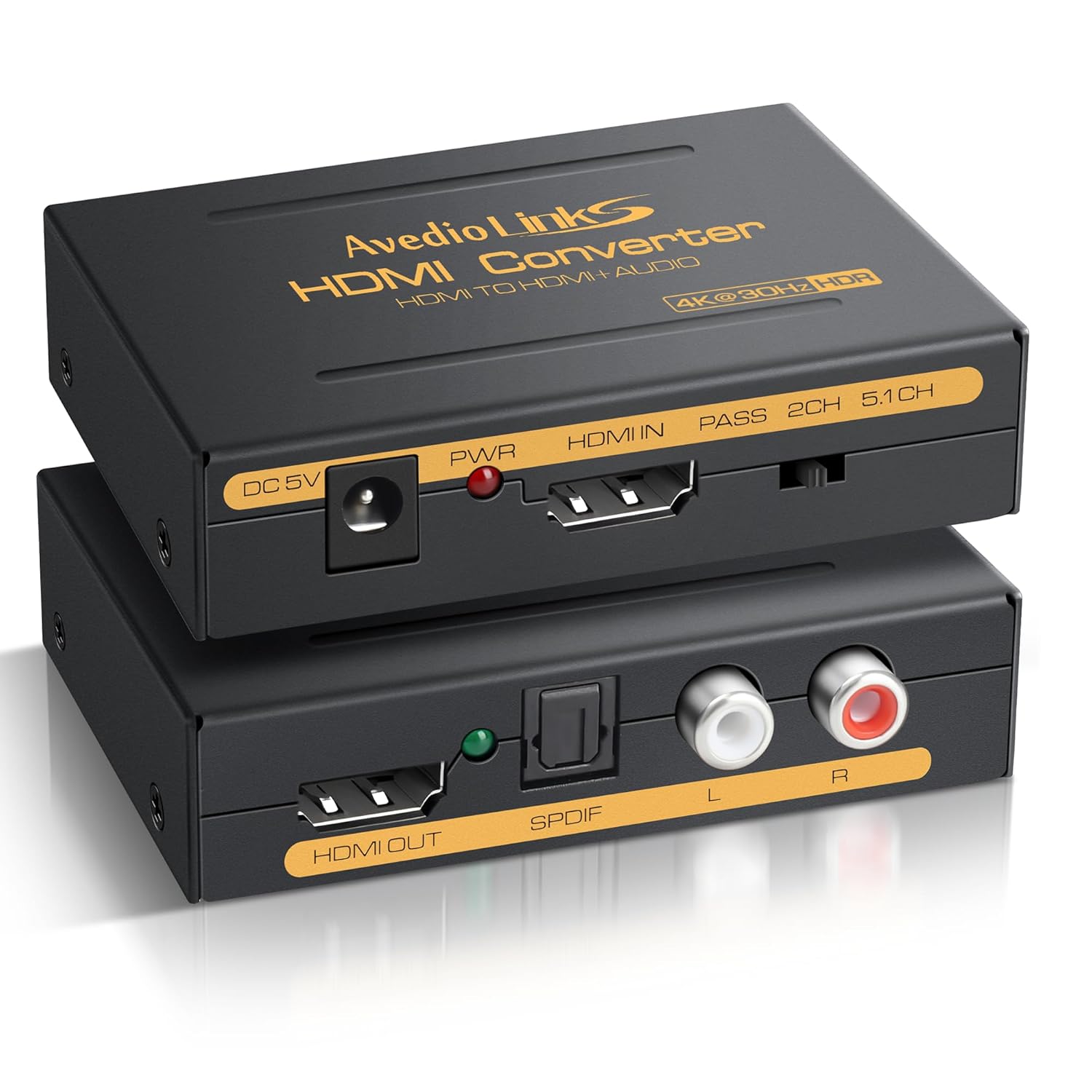
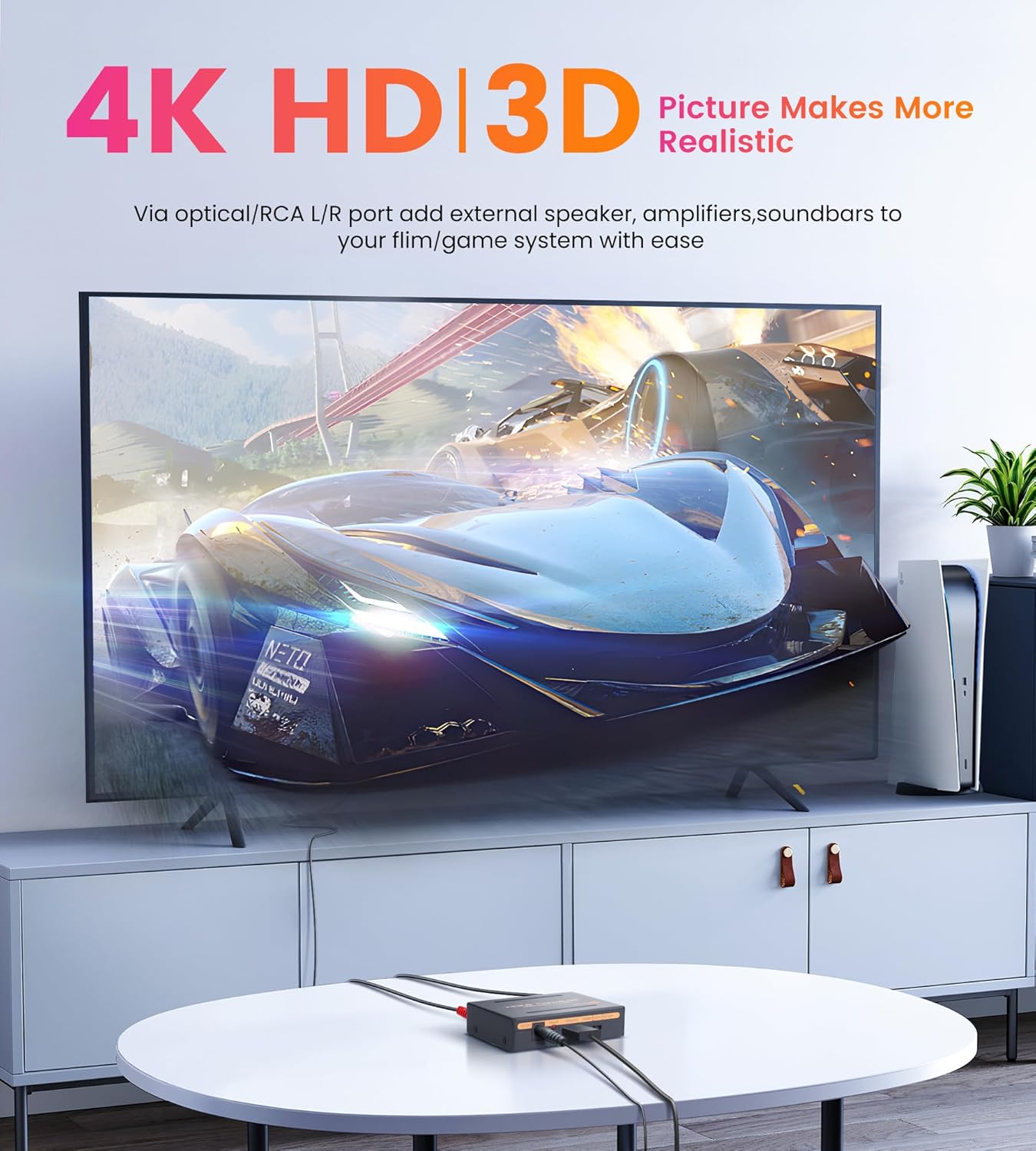
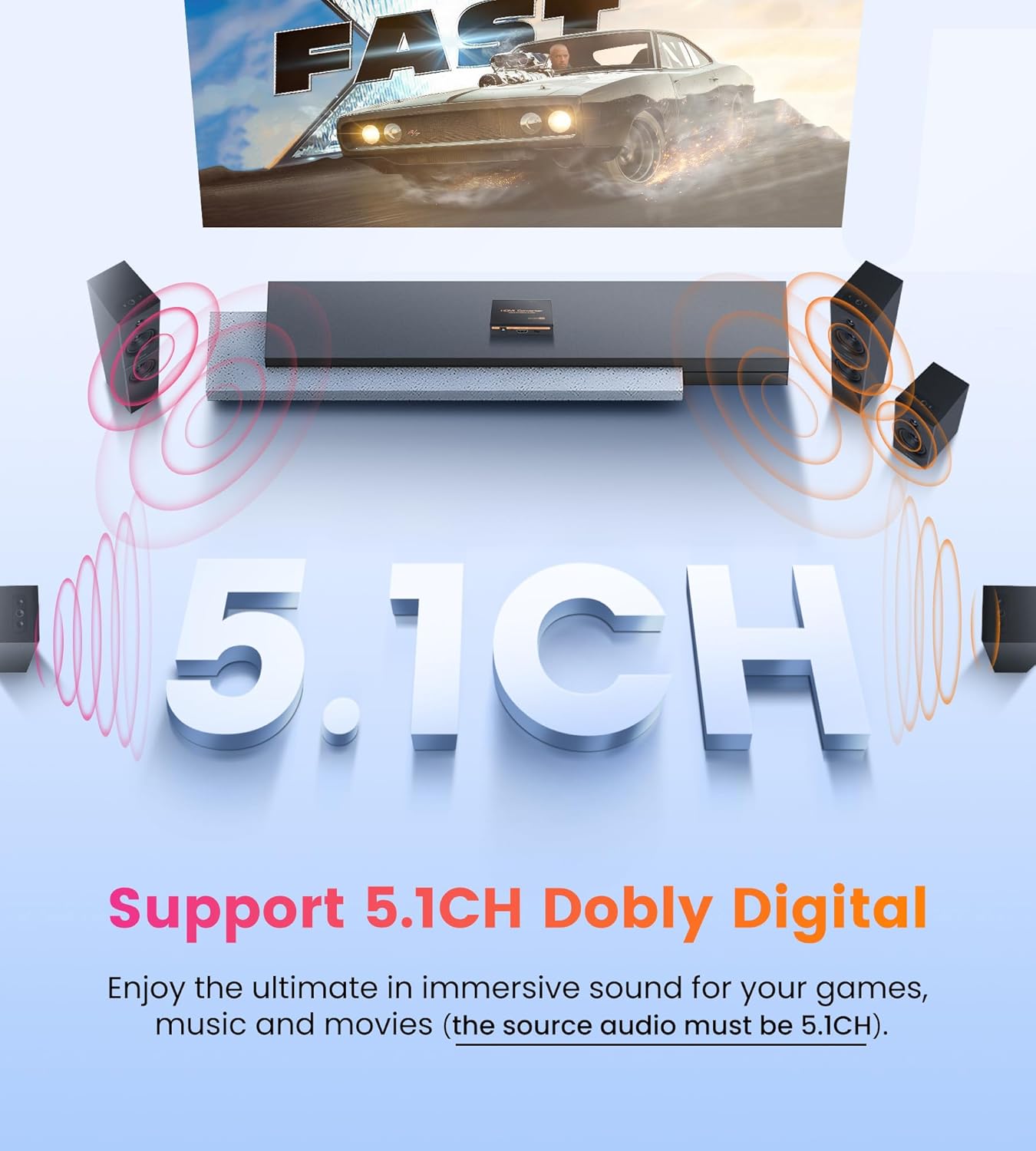
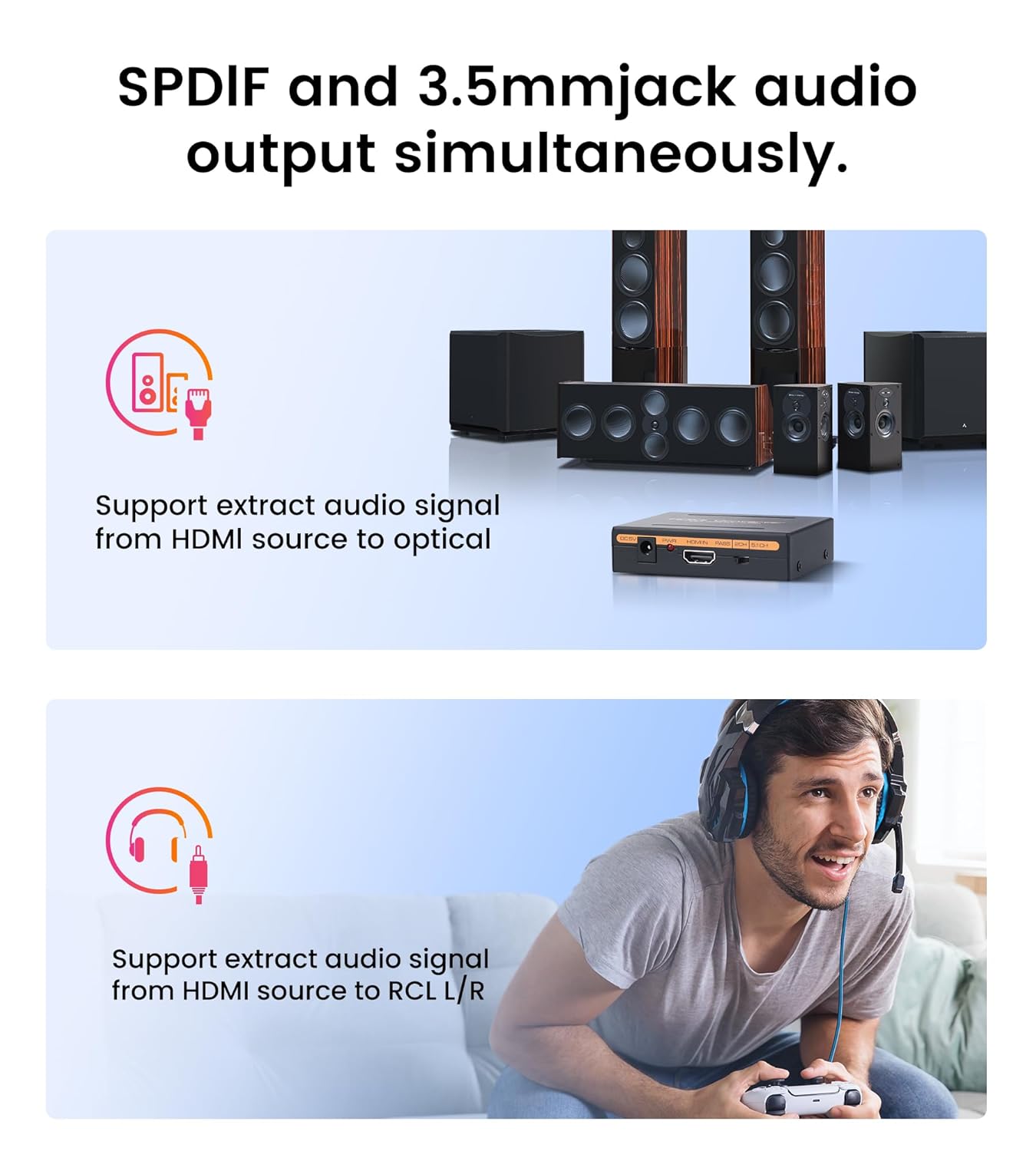
avedio Links 4K HDMI Audio Extractor Splitter, 1080P HDMI Audio Converter Adapter Optical Toslink SPDIF L/R Stereo Analog Audio Compatible with Fire Stick, Blu-Ray Player (4K 30Hz Black)
$ 7.09
I recently started using my Dell G7 Gaming laptop to DJ with. Being a Windows machine, it has been a journey to learn how to get the best performance for delivering the best and most stable audio performance using Serato DJ Pro. But I noticed when I ran iTunes playlists or other sounds out of the headphone jack into the aux on my DJ board that there was a humming buzz sound I had not noticed before. Had a fantastic support call with Dell technicians who shared with me that the best sound source within my laptop was actually the NDVIA graphics card’s “HDMI Audio” and suggested I try an HDMI audio extractor device to get the best audio, far superior than that which the headphone jack on my laptop was able to deliver.I purchased this one from avedio links and tried to use it connected to my 4k monitor and no “HDMI audio” source came up in my Windows settings. I reached out to avedio links for support and they explained to me that the only way I can get “HDMI audio” to come up as a sound output option from my laptop was to plug the HDMI cable into either a television or a monitor with built-in speakers.I thought it couldn’t hurt with Amazon Prime’s easy return process to go ahead and buy a 27″ flatscreen monitor with speakers, I chose the “SANSUI Monitor 27 Inch IPS 100Hz Computer Monitor, USB-C FHD HDR Built-in Speakers” (and so far, I really like it). Sure enough, “HDMI Audio” because a sound source option in Windows. So I first hooked up my DJ speakers to the stereo output jack on the monitor, and the sound was good, but noticed when I opened up more than one application, unwanted noise would enter the sound.But then I inserted this avedio links HDMI Audio Extractor Splitter, then connected my DJ speakers to the sound output from the splitter, and yes, my tech support friend at Dell was absolutely correct:I finally achieved superb sound output from my computer!I played Billie Eilish “What Was I Made For” because there’s plenty of quiet space in that song and her unearthly pure vocals were at least for me a ready-made audio benchmark test for high fidelity audio.And yes, not only was it the best sound I ever experienced coming out of my latpop computer into my DJ speakers, but when I paused the recording, turned the speakers way up along with the computer volume, amazing, amazing, hell yes, finally, no buzz, no hum, ready go from zero noise to Rave Dance Hall Jammin Powerhouse volume, all because I discovered HDMI Sound using a good, high quality HDMI Audio Spliter, and I’m very pleased that avedio links delivered just what I desired in tapping into the full breathtaking sound my NVIDIA graphics card has been waiting to deliver, and grateful for both Dell Computers and avedio links support for helping me to get there!
Related products
-
Digital to Analog Audio Converter with Bluetooth 5.1 Receiver,Digital Optical to 3.5 mm DAC Wireless Adaptor,Coax to Analog RCA 3.5 mm for TV, Gaming
-
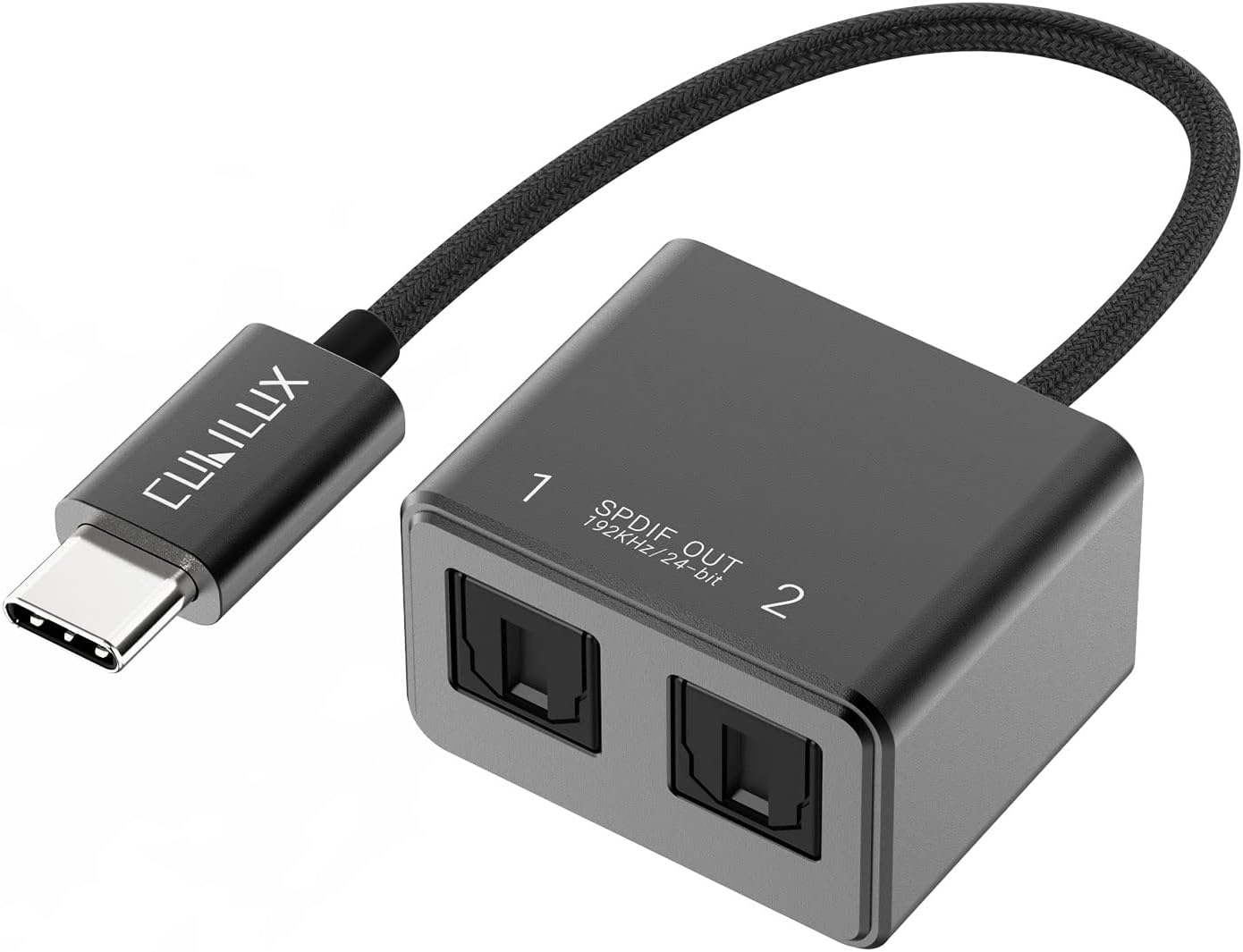 Cubilux USB C to Dual SPDIF Adapter [192KHz/24bit DAC] for MacBook Mac iMac, Laptop, Computer, PC, Type C to Double TOSLINK Optical Audio Splitter
Cubilux USB C to Dual SPDIF Adapter [192KHz/24bit DAC] for MacBook Mac iMac, Laptop, Computer, PC, Type C to Double TOSLINK Optical Audio Splitter
-
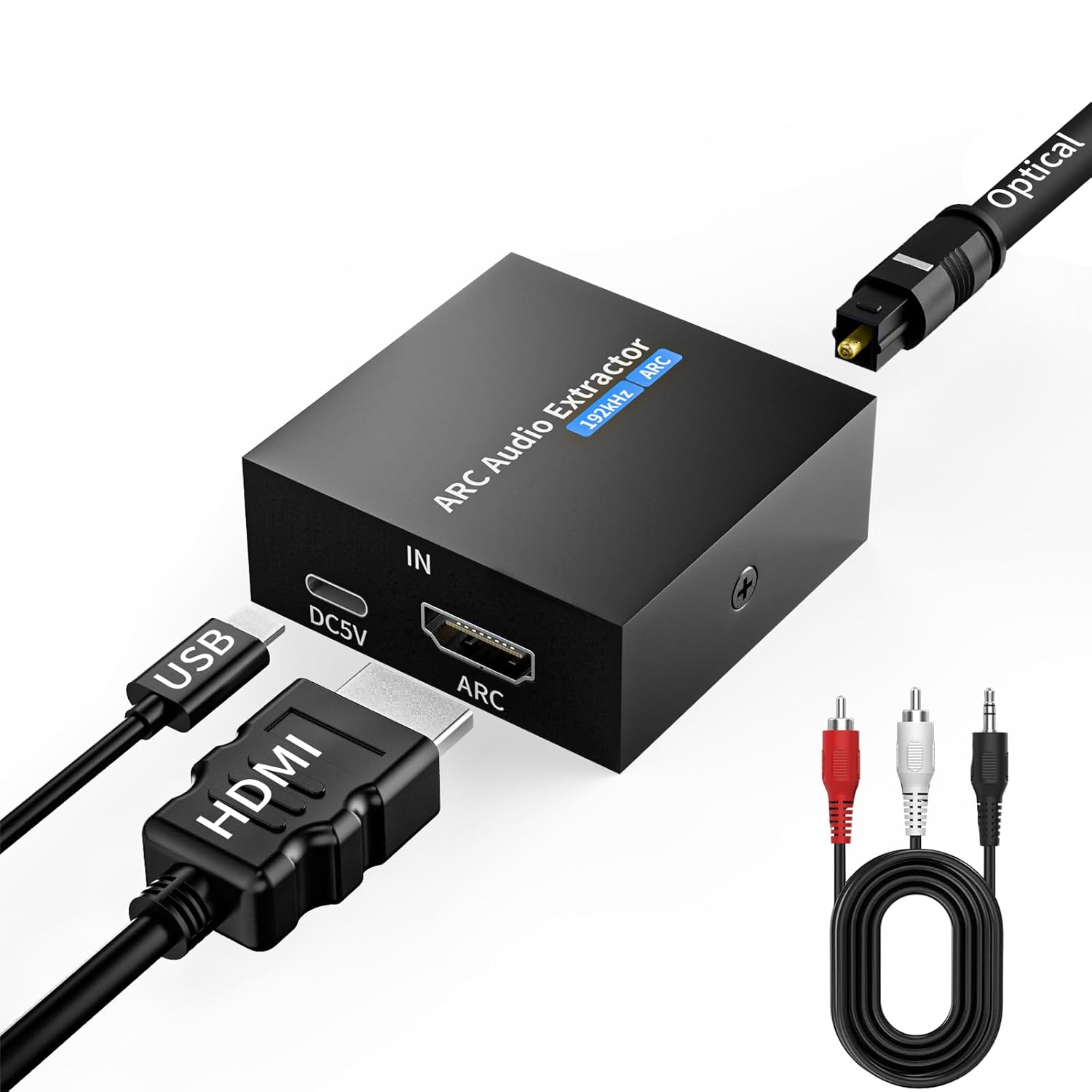 192KHz ARC Audio Extractor, HDMI ARC to Toslink/Optical 3.5mm AUX Output, HDMI to Optical Audio Adapter, Adjustable Volume(CEC) for TV Amplifier Speaker/Home Theater/Soundbar/Headset
192KHz ARC Audio Extractor, HDMI ARC to Toslink/Optical 3.5mm AUX Output, HDMI to Optical Audio Adapter, Adjustable Volume(CEC) for TV Amplifier Speaker/Home Theater/Soundbar/Headset
-

Blackmagic Design ATEM Camera Converter 001310